When a customer asks for "a Cat6 cable," they often mean very different things. Category decides bandwidth, crosstalk control, shielding and — most importantly — whether the link will still be good enough in five years. This guide maps each category to the job it is built for.
The one-line difference
Higher category = higher frequency (MHz) = more headroom against interference and faster links. The jump from Cat6 to Cat6A is the biggest practical one (1 Gb → 10 Gb at full distance); Cat7/Cat8 add shielding and frequency for noisy or very short 25G/40G data-center links.
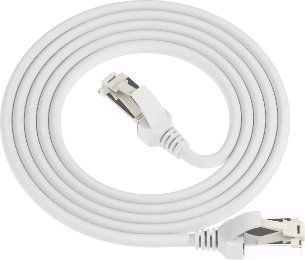
Comparison at a glance
| Category | Max Speed | Bandwidth | Typical Shielding | Best for |
|---|---|---|---|---|
| Cat5e | 1 Gbps | 100 MHz | U/UTP | Home, office, legacy 10/100/1000 Base-T |
| Cat6 | 1 Gbps (10G to 55 m) | 250 MHz | U/UTP | SMB networks, PoE devices, general patching |
| Cat6A | 10 Gbps | 500 MHz | U/UTP or U/FTP | Data centers, 10GBASE-T, full-distance 10G |
| Cat7 | 10 Gbps | 600 MHz | S/FTP or U/FTP | High-noise industrial & medical environments |
| Cat8 | 25 / 40 Gbps | 2000 MHz | S/FTP | Data-center 25G/40G links up to 30 m |
How to choose by scenario
- Home / small office: Cat5e covers gigabit comfortably and is the lowest cost. Upgrade to Cat6 only if you run long PoE runs or want headroom.
- Enterprise / campus: Cat6 is the workhorse; choose Cat6A when 10GBASE-T is on the roadmap or runs exceed 55 m at 10G.
- Data center: Cat6A for 10G top-of-rack, Cat8 for 25G/40G server-to-switch links in the same or adjacent rack.
- Factory / industrial: Cat7 (and shielded Cat6A) resists EMI from motors and drives — see our compliance notes.
Shielding notation, quickly
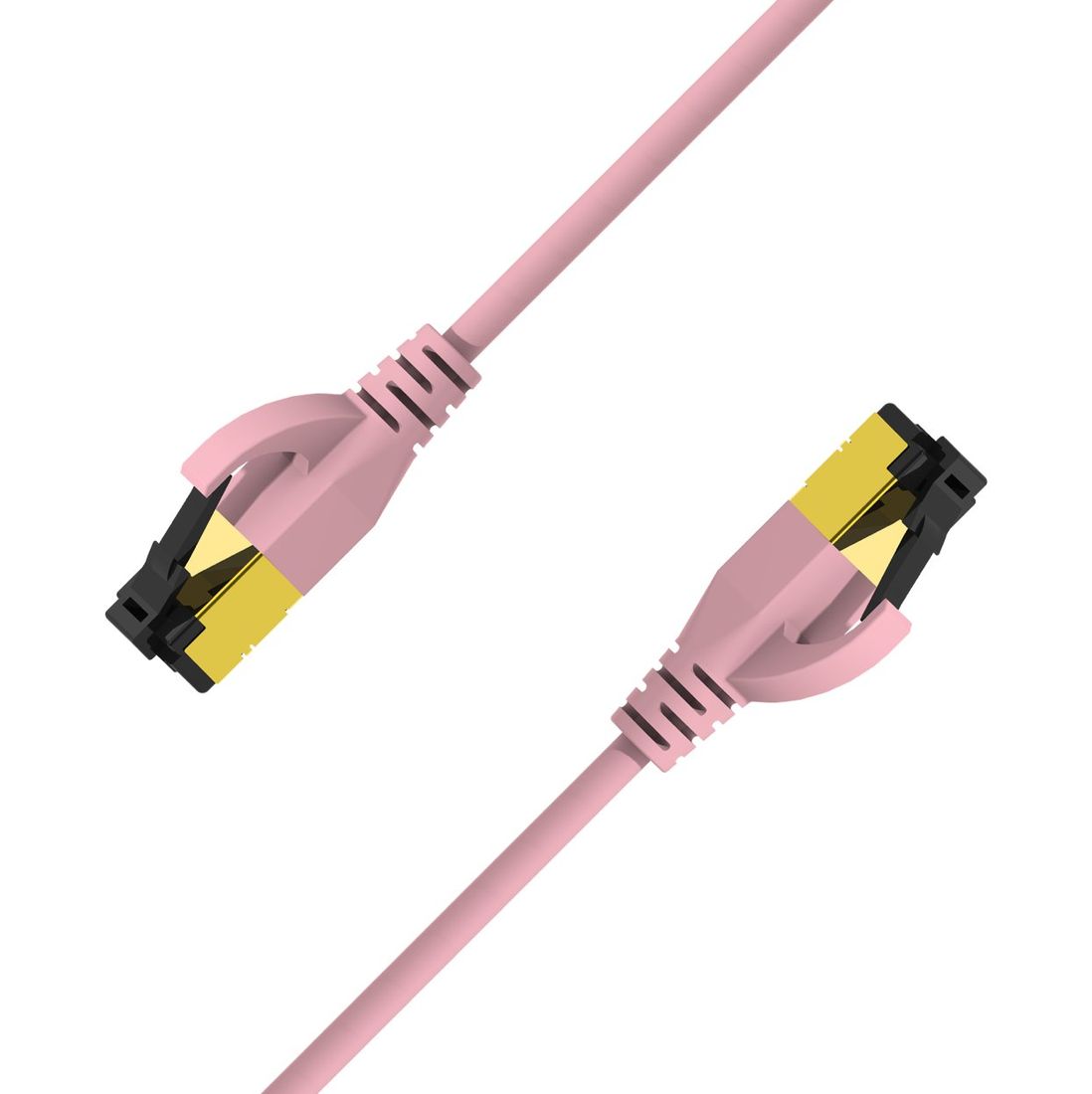
The letters tell you what is shielded: U/UTP = unshielded; F/UTP = foil around the whole cable; U/FTP = foil per pair; S/FTP = braid + foil per pair (best isolation). More shielding = better in noisy sites, but needs proper grounded patch panels.