Wi-Fi 7 is the fastest Wi-Fi yet — but its speed lives or dies on the cable feeding the access point. Spec the wrong cord and you pay for a flagship radio and get last decade's throughput.
Wi-Fi 7 in one line
Wi-Fi 7 (IEEE 802.11be) aggregates three radio bands at once and uses multi-link operation to push multi-gigabit wireless to a single device. A busy AP can pull 5 Gbps or more of aggregated wireless traffic back toward the switch.
The cable is the bottleneck
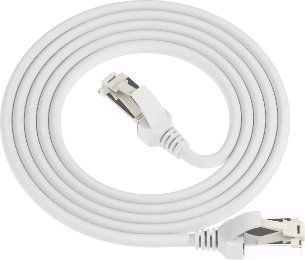
That 5 Gbps has to travel over one patch cord to the switch. Run it on Cat6 at 1 Gbps and the AP — and every client behind it — is throttled to 1 Gbps. The wireless upgrade delivers none of its potential. The run needs 10 Gbps headroom, and that means Cat6A.
TIA settled it
TIA-568 calls for Cat6A for Wi-Fi 7 access-point runs. Once a site commits to Wi-Fi 7, the cabling decision essentially makes itself: Cat6A to every AP, horizontal and vertical. Cat6 is no longer enough for the access layer.
PoE++ rides the same cord
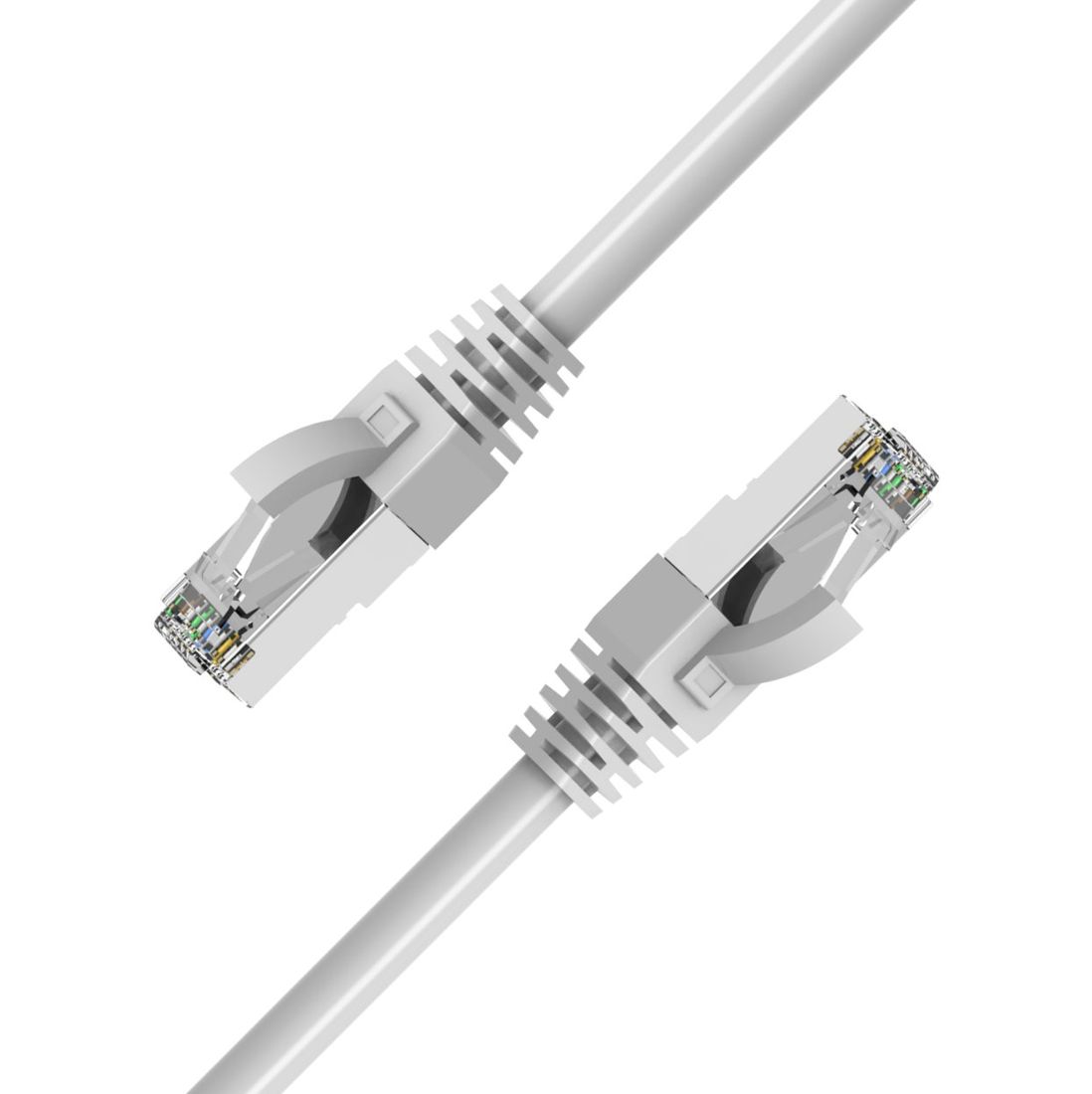
A Wi-Fi 7 AP also draws 40–50 W over PoE++ (IEEE 802.3bt). That power travels the same cord, so the run needs Cat6A's thicker conductors to manage the thermal load in a bundle. One cord does data and power — and both want Cat6A.
How to specify
- New build / refresh: pull Cat6A to every AP location, not Cat6.
- Noisy site: choose Cat6A S/FTP to keep the 10G link clean next to motors and drives.
- Dense racks: Cat6A multi-angle boots route without strain behind the panel.