"Cat6 can do 10G" is true — and incomplete. The category sets the frequency, and the frequency sets the distance. Match the cord to the rate and the run length or you will chase mysterious link flaps.
Speed → category → distance
| Link speed | Category | Max distance | Frequency |
|---|---|---|---|
| 1 Gbps | Cat5e / Cat6 | 100 m | 100–250 MHz |
| 10 Gbps | Cat6 | 55 m | 250 MHz |
| 10 Gbps | Cat6A | 100 m | 500 MHz |
| 25 / 40 Gbps | Cat8 | 30 m | 2000 MHz |
Why Cat8 jumps to 2 GHz
25G and 40G need far more headroom against loss and crosstalk than 10G. Cat8 runs at 2000 MHz — four times Cat6A — but the standard caps it at 30 m because that is the server-to-switch, same/adjacent-rack reality in a data center. It is built for the short, fast hop, not the building riser.
When each Acelink cord fits
- 1G everywhere: Cat6 or Cat5e — no need to over-specify.
- 10G full distance: Cat6A is the sweet spot at 100 m.
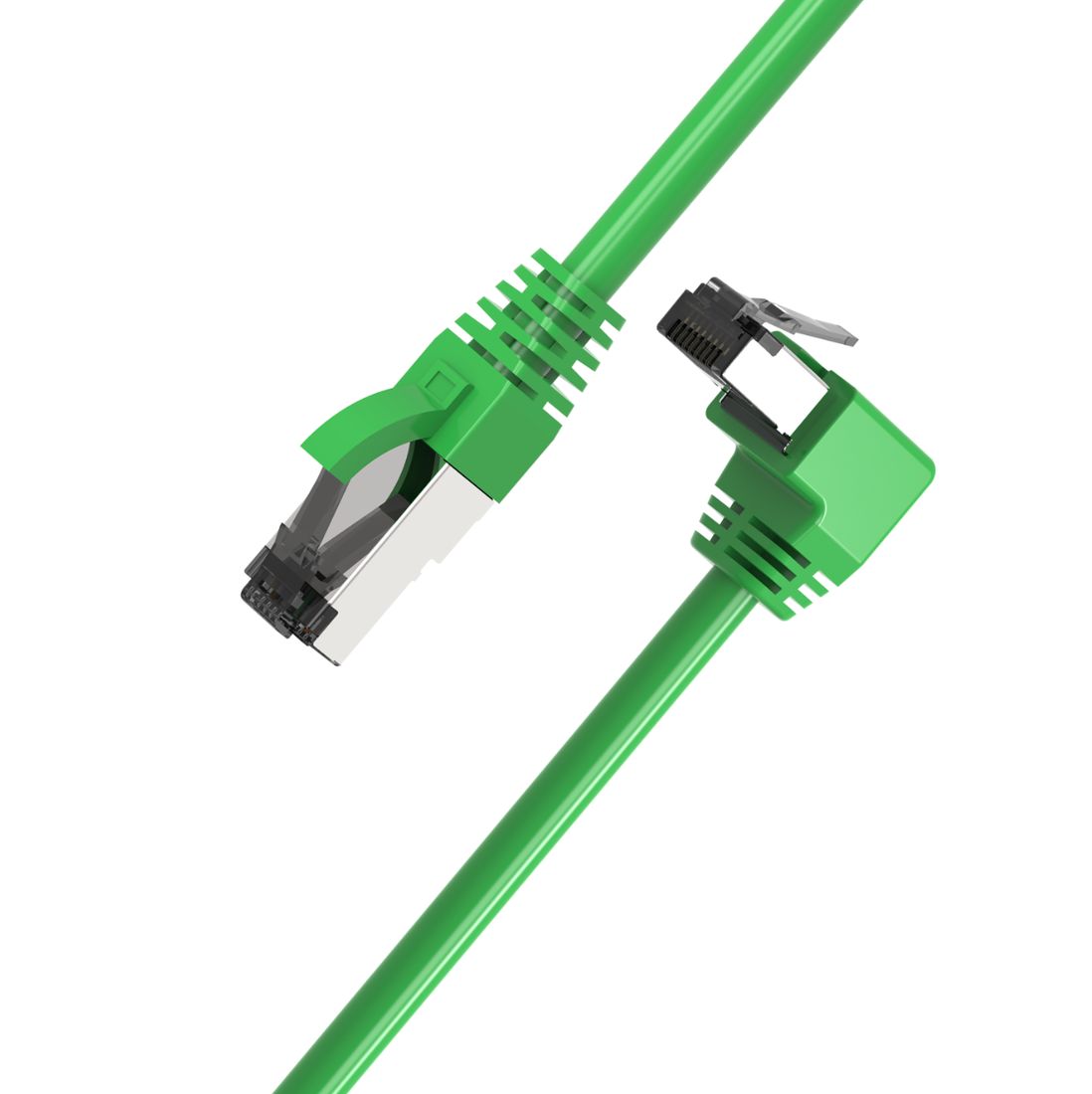
- 25G/40G top-of-rack: Cat8 S/FTP or the Cat8 multi-angle for dense racks.
- Extend a 25G/40G link cleanly: the CAT.8 S/FTP 24 AWG Extension Cable keeps the rating across the hop.
Don't stretch Cat8: its 30 m ceiling is a hard standard limit. For runs longer than 30 m at high speed, step back to Cat6A (10G) or move the switch closer.