In a packed rack, cable diameter is the silent bottleneck. Fat 24 AWG cords choke horizontal managers, block airflow and cap port density. Slim and flat profiles cut the footprint roughly in half — but each has a sweet spot.
Why diameter matters
- Airflow: thinner bundles leave room for front-to-back cooling, lowering switch inlet temps.
- Port density: more cords fit in the same horizontal manager and per rack unit.
- Weight & strain: less mass pulling on ports and panels over time.
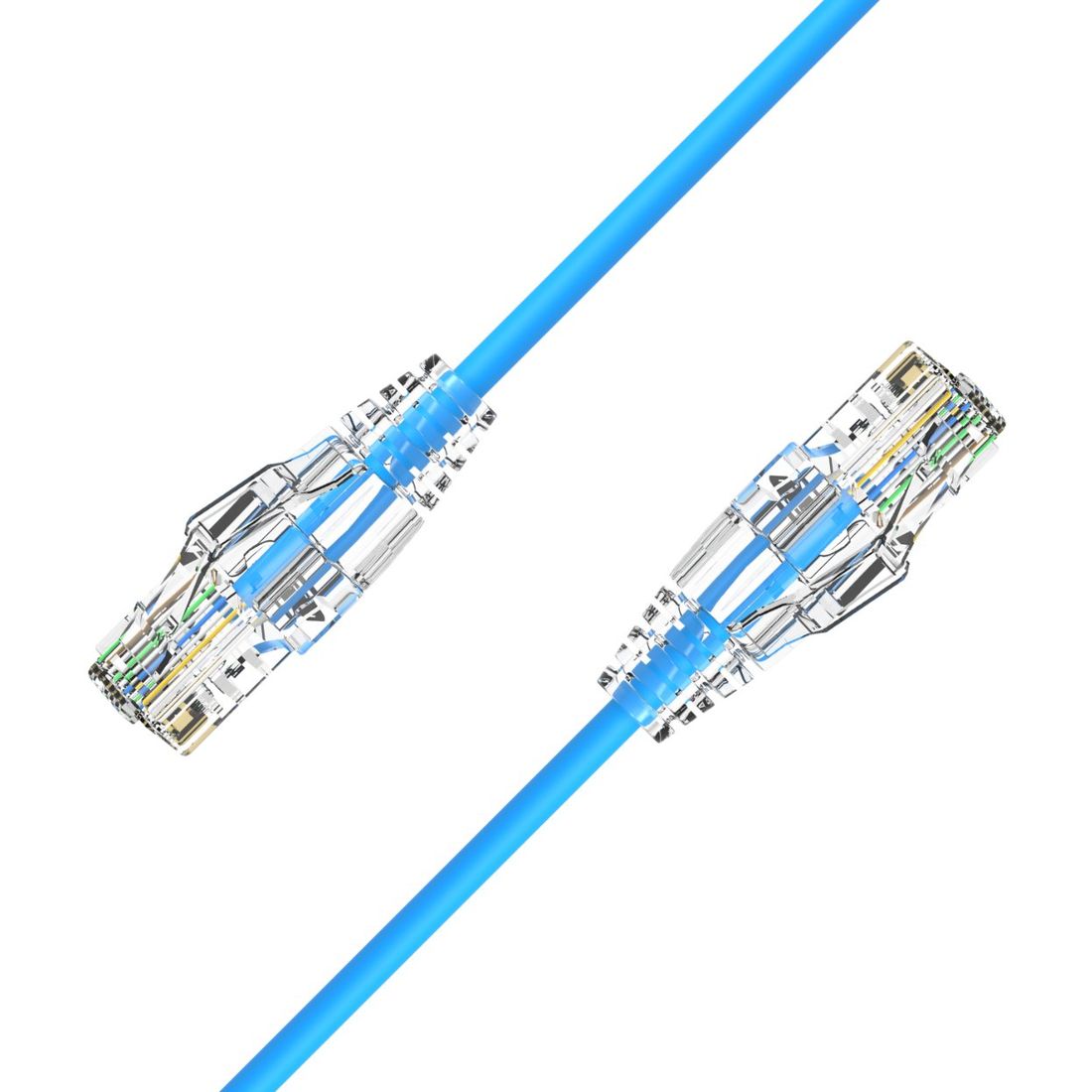
Profile comparison
| Profile | AWG | Ø (approx.) | Space vs 24 AWG | Use it when |
|---|---|---|---|---|
| Standard | 24 / 26 | ~6.0 mm | baseline | PoE++, max durability, long runs |
| Slim | 28 | ~3.8–4.2 mm | ~50% less | general high-density patching |
| SlimBlade | 32 | ~3.0 mm | ultra-high | ultra-short-boot, blade-server rows |
| FlatPro | 32 | flat ~1.5×6 mm | tight bends | cable trays, sharp turns, trace routing |
| Ultra Flat | 34 | ~2.4 mm | extreme | short patches where space is critical |
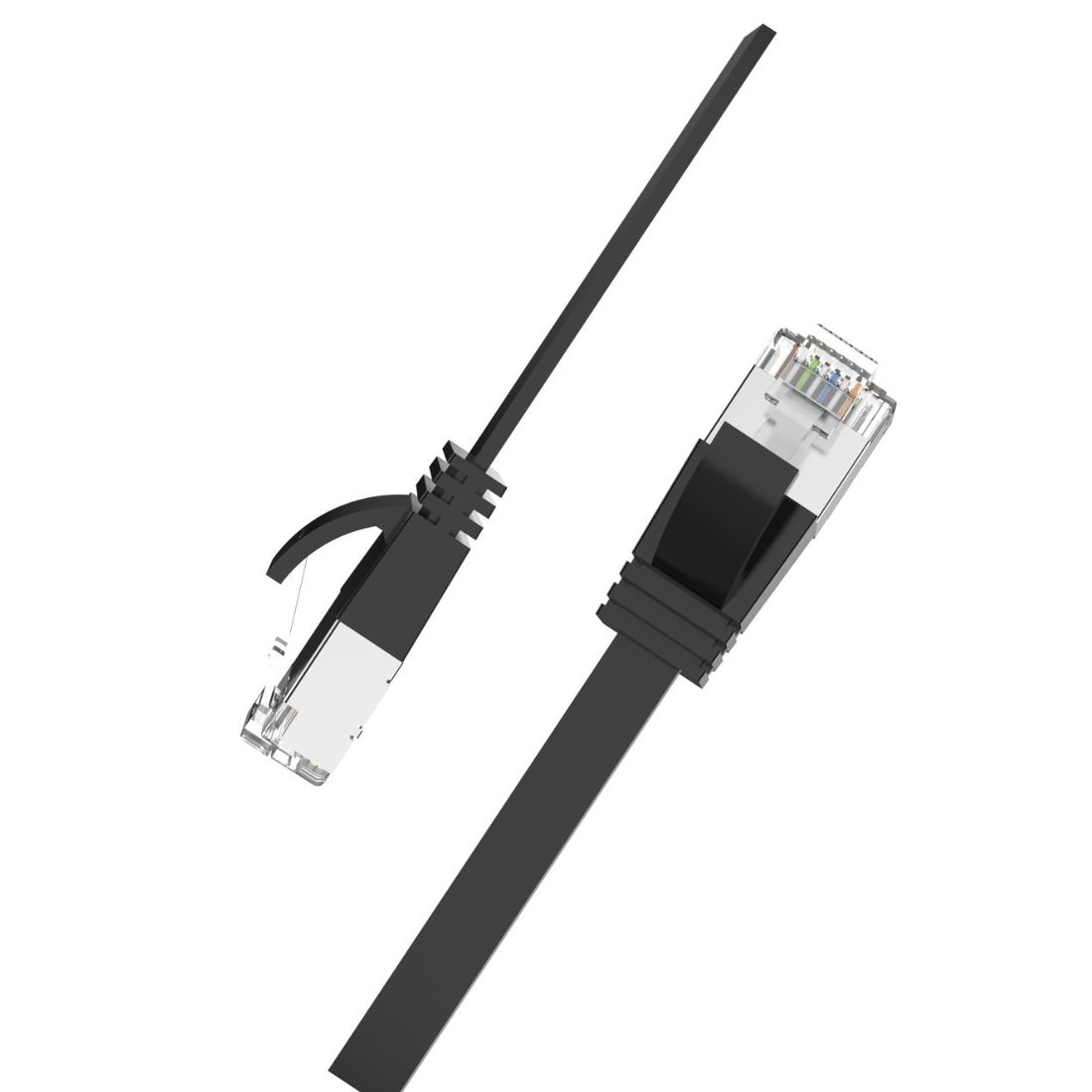
Which one to specify
- Most data centers: 28 AWG Slim is the safe default — half the bulk with negligible electrical penalty at patch length.
- Blade / top-of-rack rows: SlimBlade 32 AWG with its ultra-short boot squeezes into the tightest ports.
- Trays & tight bends: FlatPro 32 AWG lays flat and routes around corners without kinking.
- Extreme density, short links: Ultra Flat 34 AWG wins on space but keep runs short and PoE modest.
Spec tip: 34 AWG is great for short patches but offers less PoE headroom and bend life than 28/32 AWG. For 25G/40G server links, pair a slim profile with Cat8 rather than pushing AWG lower.