A packed rack fails quietly: ports you can't reach, airflow you can't see, a cord you can't trace at 2 a.m. High-density patching is mostly discipline — plus picking cords shaped for the job. Six practices that pay off.
1. Right-size the diameter
Fat 24 AWG cords choke horizontal managers and block front-to-back cooling. 28 AWG slim cuts the bundle roughly in half with negligible penalty at patch length.
2. Respect the bend radius
Kinking kills pairs. Keep the natural bend radius, use short boots, and never zip-tie a bundle tight against a port.
3. Leave the airflow alone
Cable belongs in the managers, not draped across the switch intake. Front-to-back cooling drops inlet temps and extends hardware life.
4. Length and color discipline
Order 0.3 / 0.5 / 1 / 2 m in deliberate lengths and colors. A rack of same-length gray cords is unserviceable; a deliberate scheme is self-documenting.
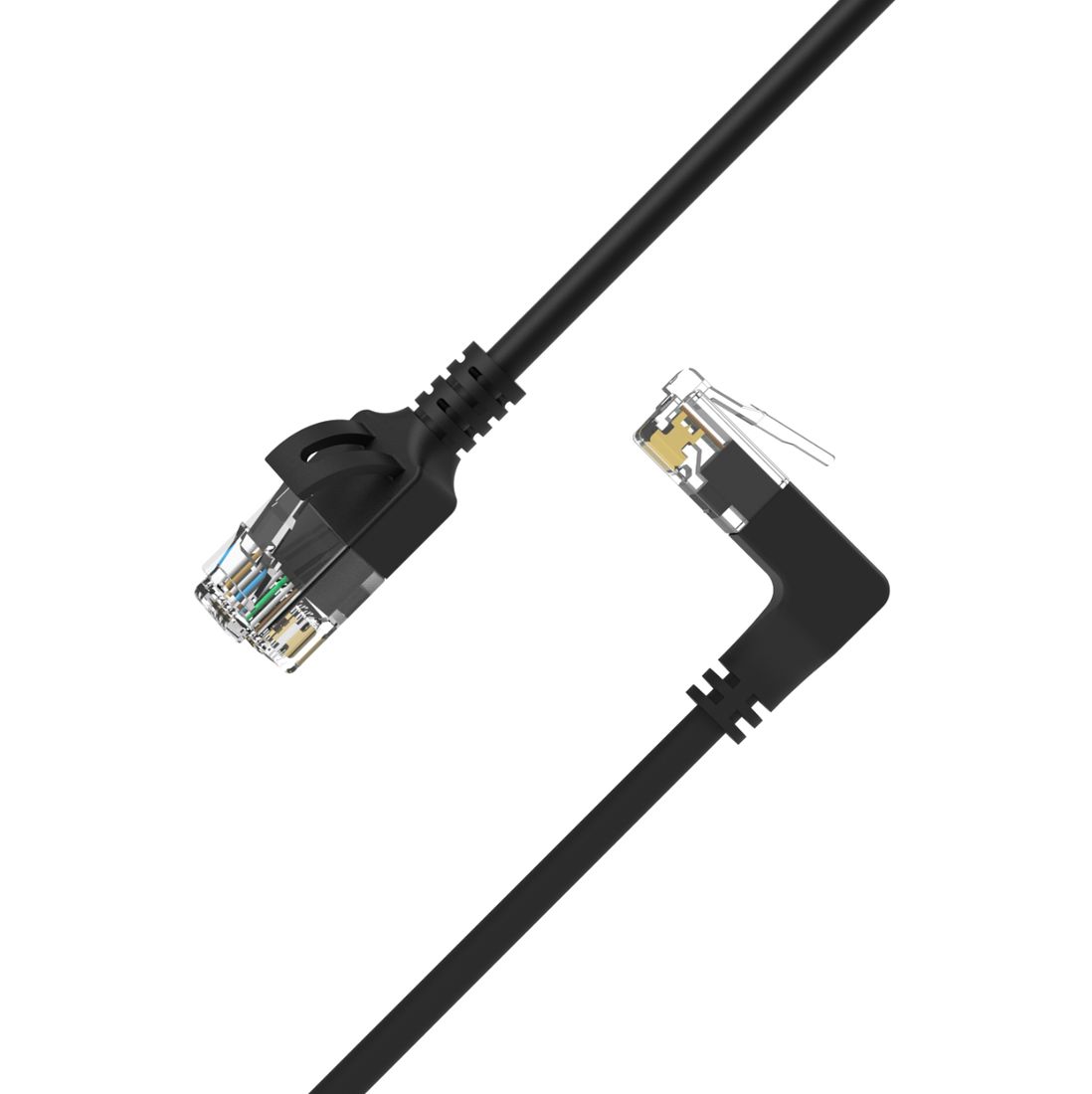
5. Use angled boots in dense racks
The new Acelink multi-angle cords — Cat6, Cat6A, Cat7, Cat8 — route up/down/left/right straight out of the port, removing strain where ports sit back-to-back. No strain relief loop, no blocked neighbour.
6. Label both ends
A flag at each end turns a 30-minute trace into a 30-second one. Cheap insurance.